Instructions (For Windows Users)
Click the Windows button on the home page and save the zip folder wherever you’d like.
1. Extract the folder onto your desktop
2. Open the extracted the folder
3. Double click UI.exe and you are ready to start using our desktop application
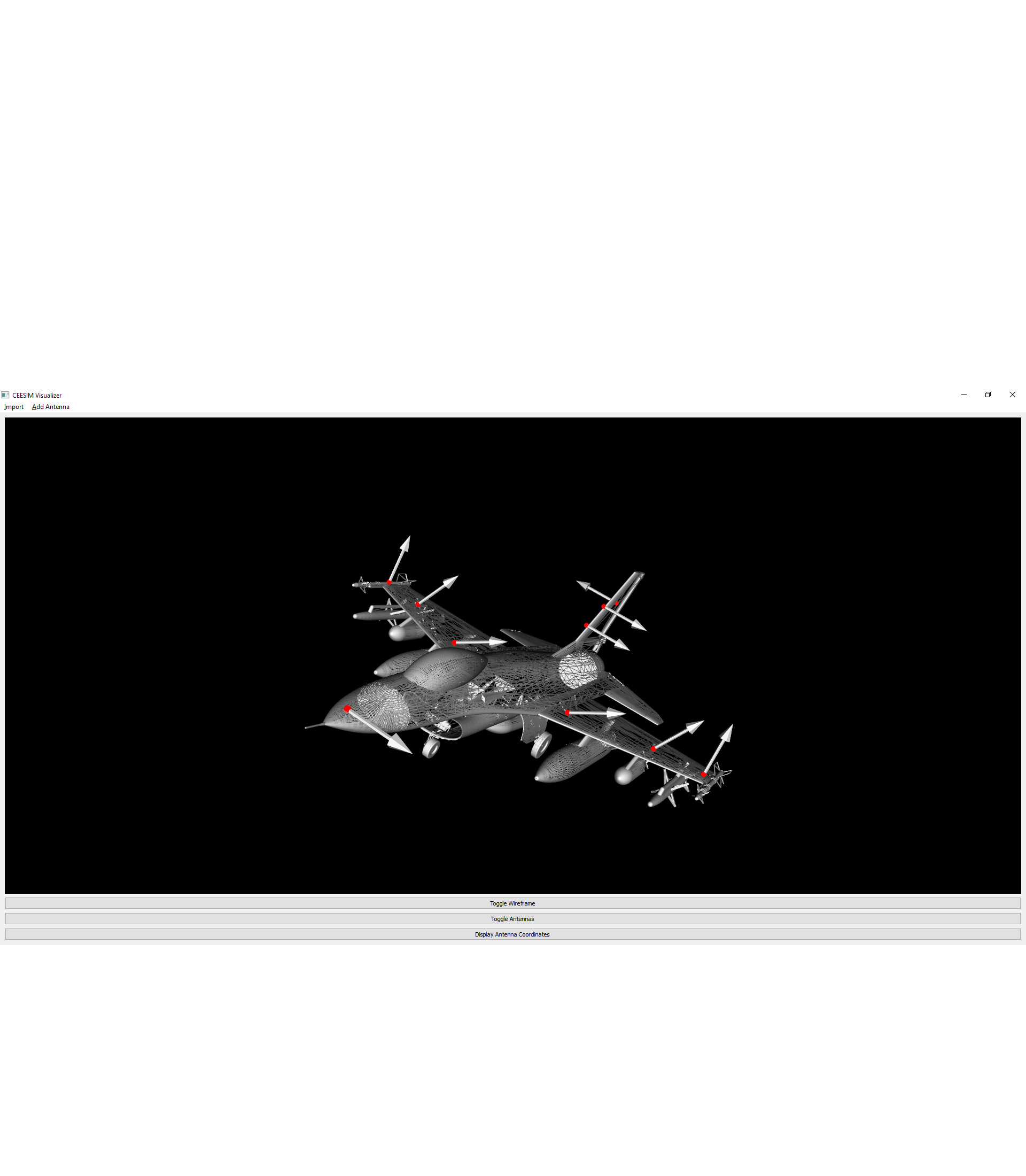
Contained inside the zipped folder there are some sample models for you to test. We provide a sample CSV that contains the locations of antennas that work specifically with the F16 model.
Examples
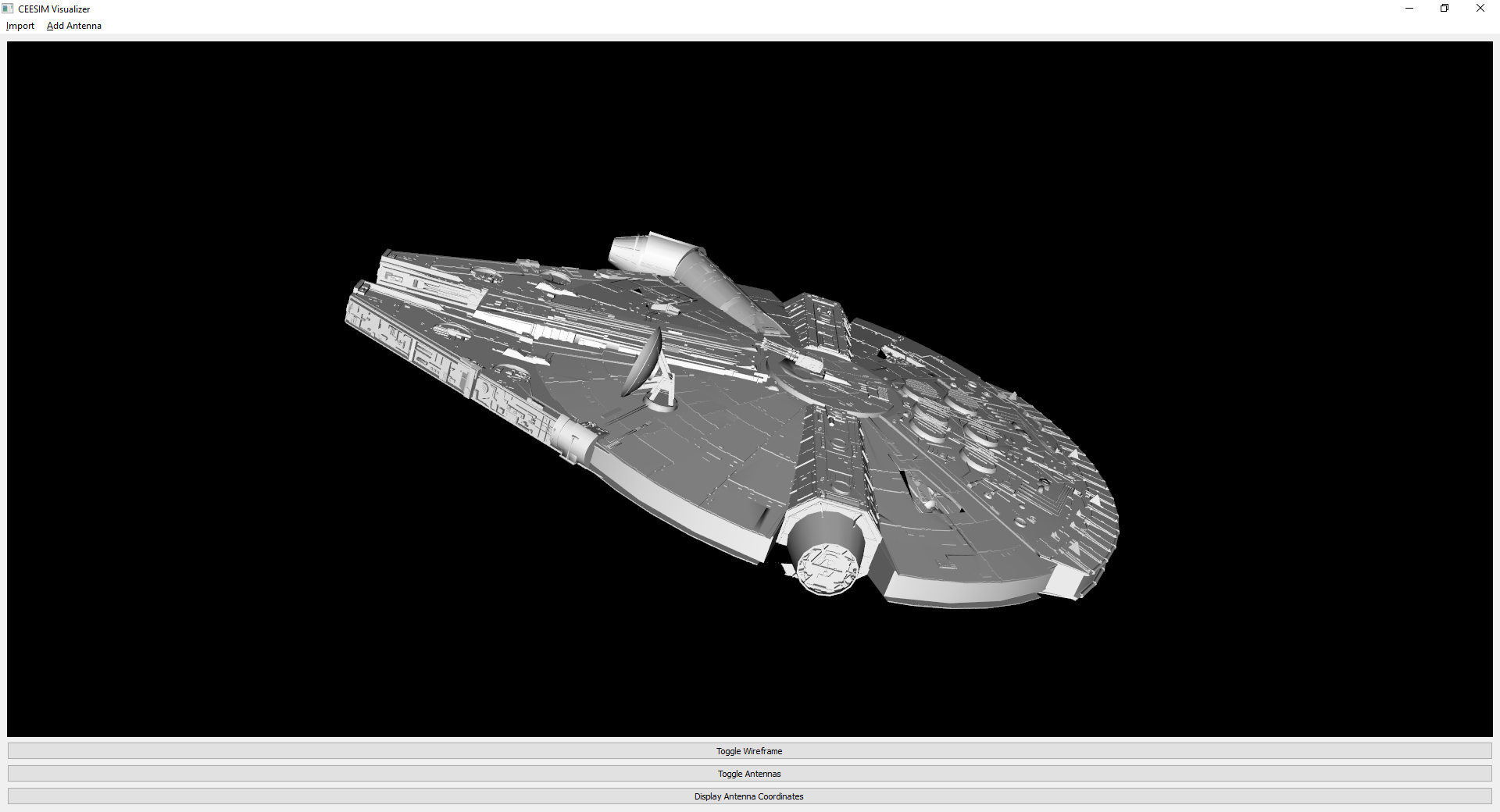
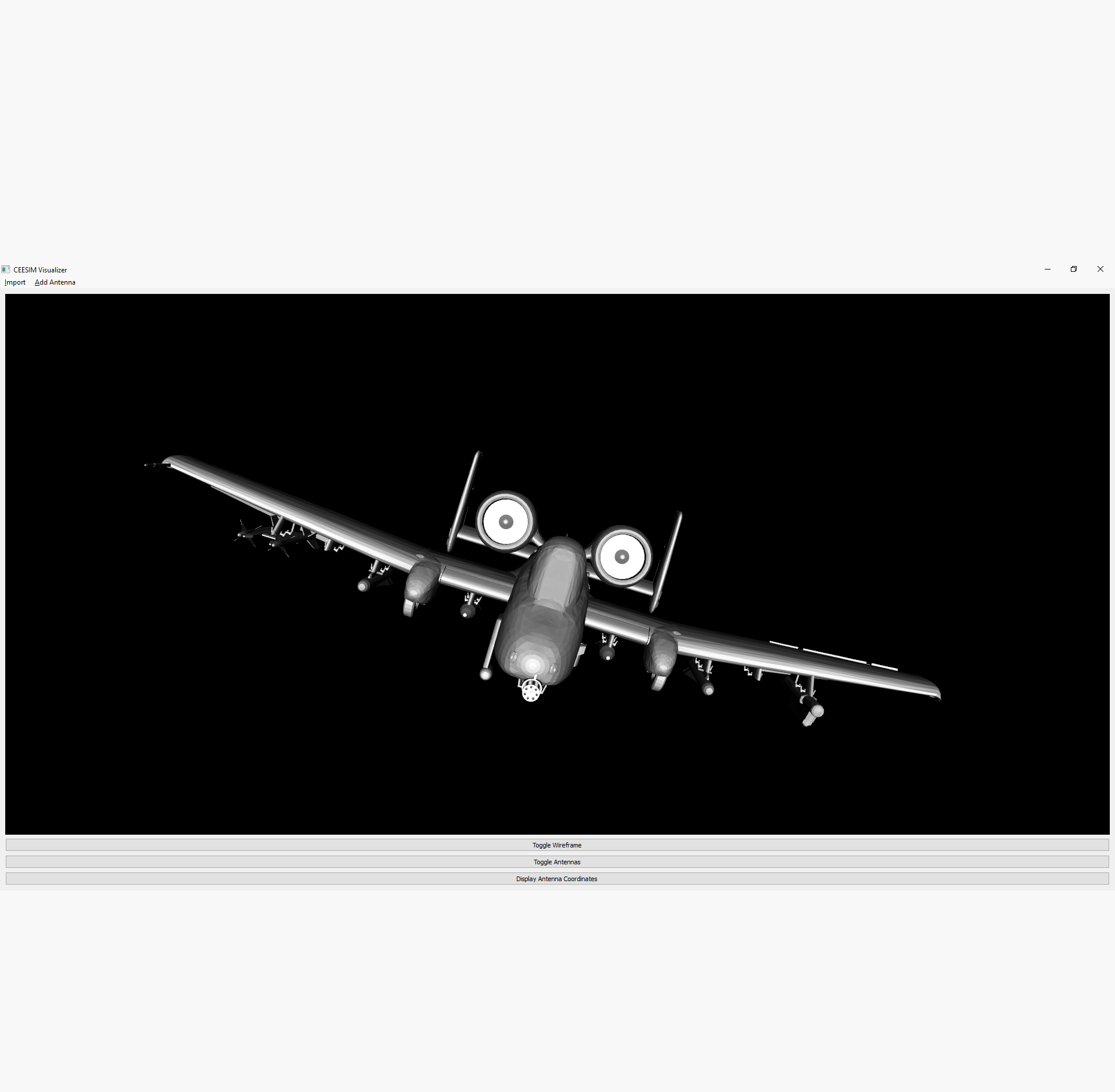
Click Import > Import Plane Model located on the top left of the application. After import our program will display the 3D model you selected and allow you to scale via the scroll wheel on your mouse and rotate via mouse movements.
Toggle Wireframe allows you to visualize the wireframe of the 3D model you imported.
Toggle Antennas will allow you to show/hide the antennas once they are imported.
You can check out our video which demonstrates what each of our buttons do. You can also check out our Wiki page to read about our add-on features It displays a few different aircrafts and the antenna placements of the F16. We have added a few new features for our Official Release that are demonstrated in the video
Bugs and Issues
If you come across any bugs while testing our program please visit our Github Issues, and create an issue with what you’ve discovered and label it as bug. You can tell us what you think about our project and leave us some Feedback. Our Wiki is available for more info.